
BBAU Samarth Portal – UG, PG Admission, Login & DAC Verification Guide
Babasaheb Bhimrao Ambedkar University (BBAU), Lucknow — a Central University — uses the Samarth eGov Suite as its official platform for both admissions and ongoing student services. This page explains how BBAU Samarth Portal is structured, how UG and PG admission through CUET works, what the DAC verification step means, and how to log in and manage your account.
What Is BBAU Samarth Portal?
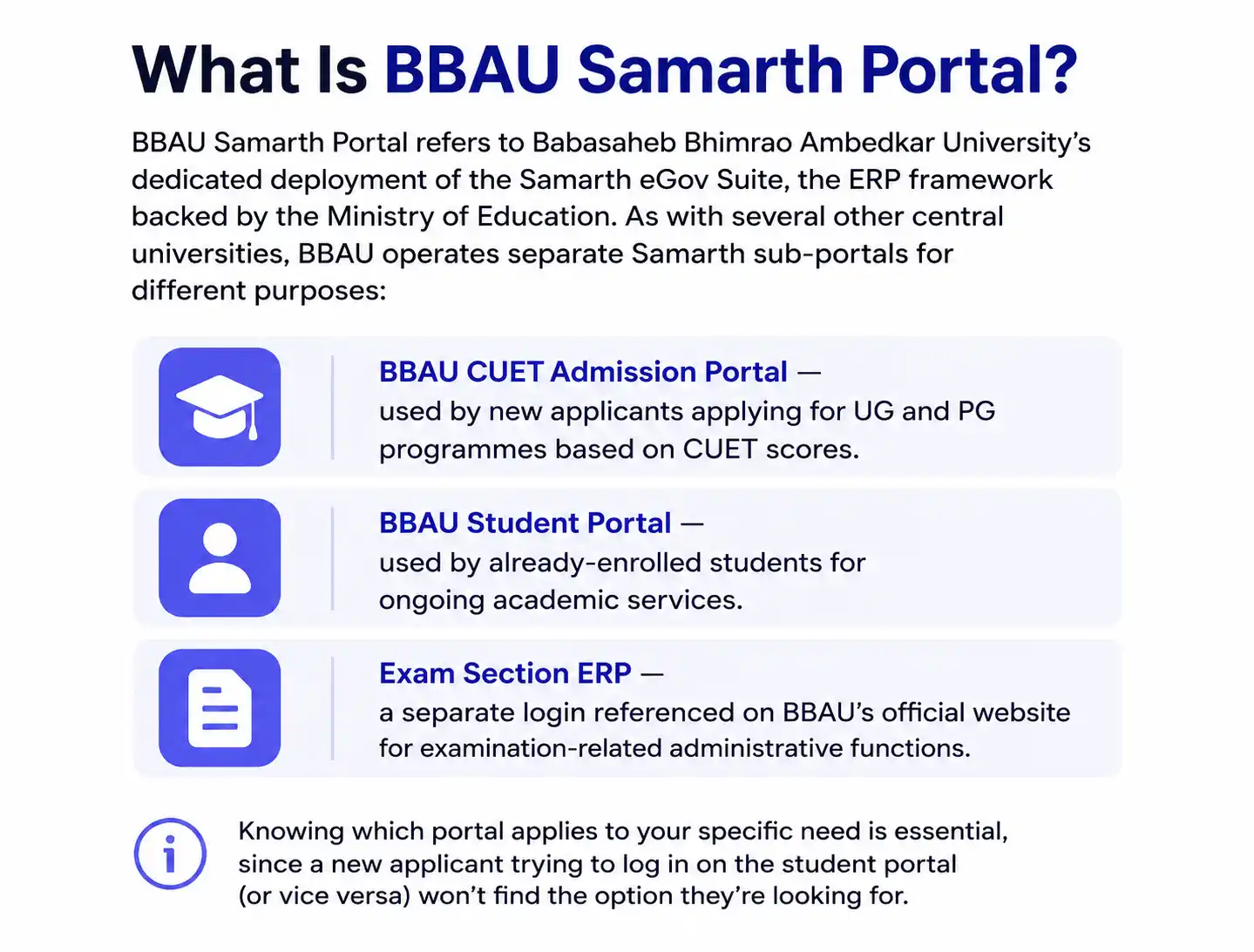
BBAU Samarth Portal refers to Babasaheb Bhimrao Ambedkar University’s dedicated deployment of the Samarth eGov Suite, the ERP framework backed by the Ministry of Education. As with several other central universities, BBAU operates separate Samarth sub-portals for different purposes:
- BBAU CUET Admission Portal — used by new applicants applying for UG and PG programmes based on CUET scores.
- BBAU Student Portal — used by already-enrolled students for ongoing academic services.
- Exam Section ERP — a separate login referenced on BBAU’s official website for examination-related administrative functions.
Knowing which portal applies to your specific need is essential, since a new applicant trying to log in on the student portal (or vice versa) won’t find the option they’re looking for.
BBAU Samarth Portal for UG Admission (via CUET)
BBAU offers admission to its undergraduate programmes only through CUET (UG), conducted by the National Testing Agency (NTA). There is no separate BBAU-specific UG entrance test. The process works as follows:
- Appear for CUET (UG) in the relevant test paper(s) required for your desired BBAU programme.
- Once CUET results are declared, visit the official BBAU CUET Samarth Admission Portal.
- Click New Registration and complete your initial sign-up.
- Re-login to the admission portal using your CUET application number and password, as required by BBAU’s process.
- Fill in your personal details (name, address, contact information) and educational details (Class XII marks, subjects, board).
- Upload the required documents in the prescribed format, as listed in BBAU’s official document checklist for CUET counselling.
- Pay the registration/counselling fee online.
- Check the BBAU CUET Merit List, published on the official BBAU website, to confirm your eligibility for further admission steps.
Only candidates who specifically included BBAU as a preferred institution during their CUET registration will be considered, so double-check this was done correctly during your original CUET application.
BBAU Samarth Portal for PG Admission (via CUET-PG)
Postgraduate admission at BBAU also runs through the Samarth-based admission portal, generally aligned with CUET-PG scores, though certain programmes (such as MBA or M.Tech) may additionally consider specific internal exams or scores like GATE, where notified. Applicants can pursue programmes such as M.A., M.Sc., M.Tech, and lateral-entry B.Tech through this system. The general process mirrors UG admission:
- Visit the official BBAU CUET Samarth Admission Portal (PG section).
- Click New Registration, enter your basic details, and note that you must use your own active, functional email address throughout the admission process.
- Upload a scanned photograph, signature, and required documents.
- Choose your desired PG programme from the available options.
- Pay the applicable application fee online via UPI, net banking, or debit card — commonly around ₹1,000 for General/OBC and ₹500 for SC/ST/PwD candidates, though exact fees should be confirmed from the current official notice.
- Submit the form and download your confirmation page for your records.
General eligibility typically requires a relevant bachelor’s degree with a minimum of 50% marks for General/OBC candidates and 45% for SC/ST candidates, though specific programme requirements can vary and should be checked in BBAU’s official PG admission bulletin.
DAC (Document Authentication Committee) on BBAU Samarth Portal
One of the most-searched, BBAU-specific terms is DAC, which stands for Document Authentication Committee — a key verification step in BBAU’s admission process:
- Once your name appears on the BBAU CUET Merit List, your submitted documents must be verified through the DAC directly on the Samarth Portal.
- After successful document verification, the DAC generates a challan (fee payment slip) for your admission fee.
- The DAC then declares the list of candidates against whom challans have been generated.
- Candidates must pay the admission fee by the specified deadline to confirm and secure their seat at BBAU.
Missing the DAC verification step or the subsequent fee payment deadline can result in losing your allotted seat, so candidates should track this stage closely on their admission portal dashboard rather than waiting for a separate notification.
BBAU Samarth Portal Login
Once your admission is confirmed and you’re an enrolled BBAU student, you’ll use the dedicated BBAU Student Portal (a separate login from the CUET admission portal) for ongoing academic services:
- Visit the official BBAU Samarth Student Portal, accessible through the “Samarth Students Login” link on BBAU’s official website.
- Click Sign In.
- Enter your registered username/enrollment number and password.
- Complete the CAPTCHA if prompted, and click Login.
If you’re a new student without login credentials yet, look for New Registration on the same portal, and use Reset Password if you’ve forgotten your existing password.
BBAU Samarth Portal Fee Payment
Admission fees, registration fees, and DAC-generated challans are all paid online through the Samarth Portal’s integrated payment gateway, supporting common methods like UPI, net banking, and debit/credit cards. Always retain your payment confirmation and transaction reference number, since this may be required if you need to raise a query about a fee discrepancy with the university’s admission office.
BBAU Samarth Portal – Ph.D. Admission
BBAU also offers research-level Ph.D. admission across its various departments and schools, generally involving an entrance test and/or interview process specific to each department, alongside document verification similar in spirit to the UG/PG DAC process described above. Since Ph.D. admission cycles, eligibility criteria, and application windows vary by department and academic session, candidates should refer to BBAU’s current official Ph.D. admission notice for the exact process and portal link applicable to their chosen department.
BBAU Samarth Portal – Convocation
BBAU also uses its Samarth-based digital infrastructure to manage certain convocation-related processes for graduating students, such as application for degree certificates and related documentation ahead of the university’s annual convocation ceremony. Since convocation registration windows, eligibility requirements, and exact procedures are announced separately each year, graduating students should watch for official convocation notices on BBAU’s website and check whether the relevant application is routed through the Samarth Student Portal or a separate convocation-specific form, as this can vary by academic session.
BBAU Samarth Portal – Checking the CUET Merit List
After the registration window for UG or PG counselling closes, BBAU publishes its CUET-based merit list directly on the official university website (bbau.ac.in) rather than inside the admission portal dashboard itself. To check your status:
- Visit the official BBAU website and locate the current admission cycle’s merit list notice.
- Search for your name, CUET application number, or roll number in the published list (usually released as a PDF).
- If shortlisted, log back in to the BBAU CUET Samarth Admission Portal to proceed with the DAC document verification step described above.
Because merit lists may be released in multiple rounds depending on seat availability, candidates who aren’t selected in the first round should continue checking subsequent official notices rather than assuming the admission cycle has closed after a single round.
Troubleshooting BBAU Samarth Portal
Unable to log in to the admission portal: Remember that after your initial “New Registration,” BBAU specifically requires you to re-login using your CUET application number and password — using your registration email alone may not work for subsequent logins.
Email not receiving confirmation: Since BBAU explicitly requires a functional, actively-monitored email address throughout the admission process, double-check for typos in your entered email and check your spam/junk folder before assuming an email wasn’t sent.
Payment deducted but not reflected: Avoid making a second payment immediately. Wait for standard payment gateway reconciliation and, if the issue persists beyond a reasonable period, contact BBAU’s admission helpdesk with your transaction reference number.
DAC status not updating: Document verification timelines depend on the university’s internal processing schedule during peak admission periods — if there’s an unusually long delay, reach out to the admission office directly rather than resubmitting documents unprompted.