
RMLAU Samarth Portal – Dr. Ram Manohar Lohia Avadh University Login, Registration & Admission Guide
Dr. Ram Manohar Lohia Avadh University (RMLAU), Ayodhya — commonly searched as both “RMLAU” and “Dr. RMLAU” — uses the Samarth eGov Suite for student registration, admission, and academic services. This page covers RMLAU Samarth Portal login, registration, college login, admission, and how it connects to the university’s separate examination system.
What Is RMLAU Samarth Portal?
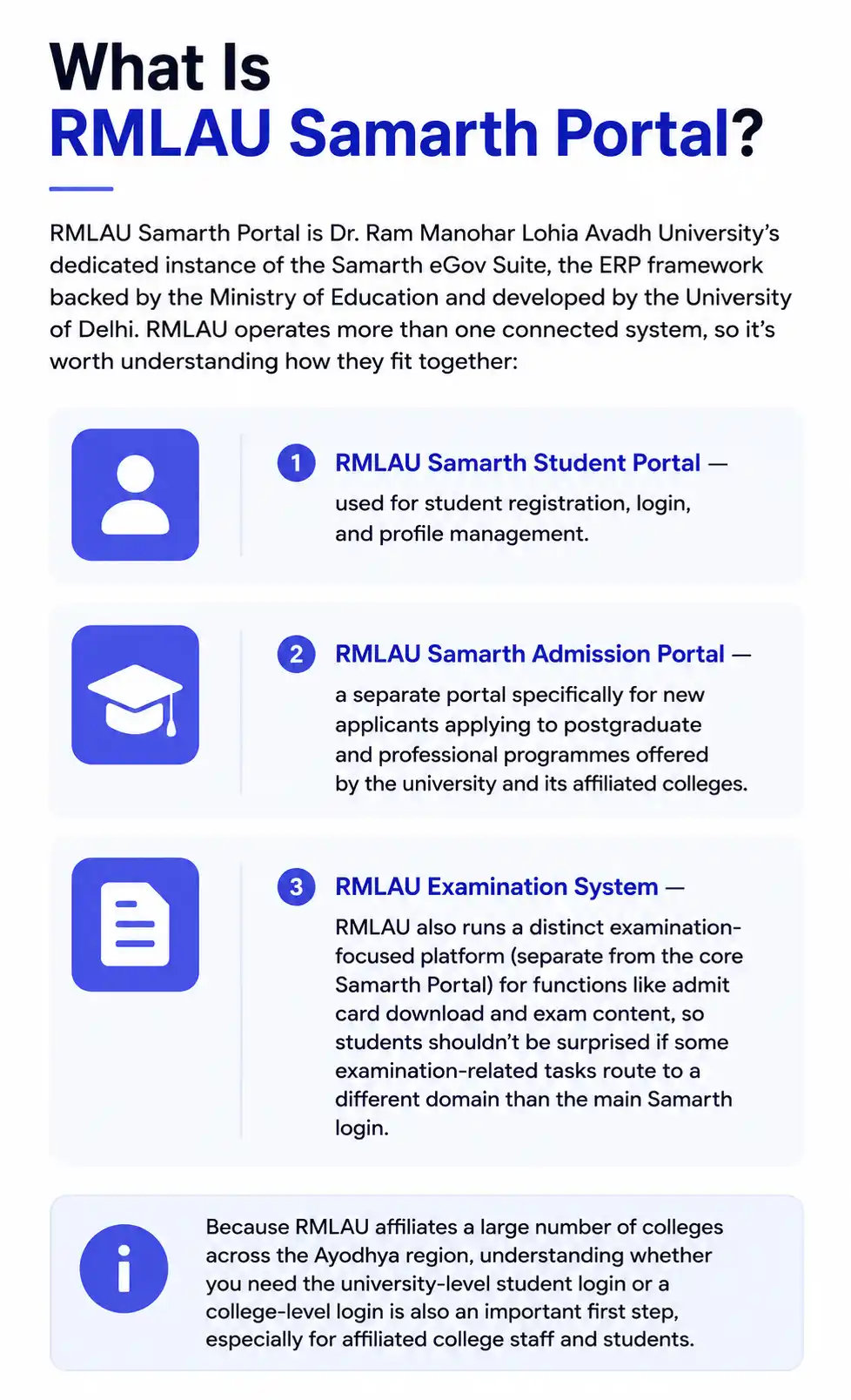
RMLAU Samarth Portal is Dr. Ram Manohar Lohia Avadh University’s dedicated instance of the Samarth eGov Suite, the ERP framework backed by the Ministry of Education and developed by the University of Delhi. RMLAU operates more than one connected system, so it’s worth understanding how they fit together:
- RMLAU Samarth Student Portal — used for student registration, login, and profile management.
- RMLAU Samarth Admission Portal — a separate portal specifically for new applicants applying to postgraduate and professional programmes offered by the university and its affiliated colleges.
- RMLAU Examination System — RMLAU also runs a distinct examination-focused platform (separate from the core Samarth Portal) for functions like admit card download and exam content, so students shouldn’t be surprised if some examination-related tasks route to a different domain than the main Samarth login.
Because RMLAU affiliates a large number of colleges across the Ayodhya region, understanding whether you need the university-level student login or a college-level login is also an important first step, especially for affiliated college staff and students.
RMLAU Samarth Portal Login
To log in to your RMLAU Samarth Student Portal account:
- Visit the official RMLAU Samarth Student Portal, linked from the university’s official website.
- Click Sign In.
- Enter your registered username (email or enrollment number) and password.
- Complete the CAPTCHA if prompted, and click Login to reach your dashboard.
If you’re logging in for the first time, use the New Registration option instead, and if you’ve forgotten your password, click Reset Password on the same login page to receive OTP-based recovery instructions.
RMLAU Samarth Portal Registration
New students register on the RMLAU Samarth Student Portal as follows:
- Go to the official RMLAU Samarth Student Portal and open the Student Registration Form.
- Enter your personal details — full name, date of birth, category, mobile number, and email address.
- Verify your mobile number or email through the OTP sent to you.
- Fill in your academic history, including your previous qualifying examination board/university and marks.
- Upload the required documents (photograph, signature, mark sheets, and category certificate if applicable) in the specified format.
- Submit the form and set your account password for future logins.
After registration, your details are verified by the university before your enrollment is confirmed and full portal access — including examination form submission — is unlocked.
RMLAU Samarth Portal Admission (PG and Professional Programmes)
RMLAU’s dedicated Samarth admission portal serves as a unified platform for applicants exploring postgraduate and professional programmes offered by the university and its affiliated colleges. The general process works as follows:
- Visit the official RMLAU Samarth Admission Portal for the current academic cycle.
- Explore available programmes and check your eligibility for your desired course.
- Register and log in, then complete your application — entering personal details, academic history, and programme preferences.
- Upload required documents and make your application payment securely online.
- Track your application status in real time, including document verification, merit list release, and seat allotment — the portal displays clear status indicators so you know exactly what action, if any, is required from you at each stage.
RMLAU’s admission portal explicitly emphasizes transparency in tracking, so rather than waiting for a separate email or SMS, applicants should log in regularly to check their current status directly on the dashboard.
RMLAU Samarth Portal – College Login
Since RMLAU is an affiliating university with a large network of constituent and affiliated colleges, the university also maintains separate login access for colleges — distinct from the individual student login described above. College-level access is typically used by college administrators for functions such as affiliation-related processes, teacher profile management, and coordinating student data with the university. If you’re a college staff member rather than a student, check with RMLAU’s affiliation section for the correct college-specific login rather than using the general student portal.
RMLAU Samarth Portal Examination Form and Admit Card
For examination-related services, RMLAU students should be aware that some functions — particularly admit card download — may be handled through the university’s separate examination system rather than the core Samarth Student Portal itself. The general process is:
- Log in to your RMLAU Samarth Student Portal account (or the university’s designated examination system, as specified in current notices) during the examination form window.
- Verify your registered subjects and course details.
- Pay the examination fee online.
- Submit the form and retain your acknowledgment receipt.
- Closer to the exam date, check for your admit card either on the Samarth Portal dashboard or the university’s dedicated examination portal, depending on which system RMLAU has designated for that specific session — always follow the current official notice for the correct link.
Because RMLAU’s examination infrastructure spans more than one platform, it’s worth bookmarking both the Samarth Student Portal and the university’s examination-specific site so you’re not caught off guard by which one is being used for a given exam cycle.
RMLAU Samarth Portal – ABC ID
Some functions on RMLAU Samarth Portal support linking your Academic Bank of Credits (ABC) ID to your student profile, in line with NEP 2020’s credit transfer framework. This is generally handled from within your profile settings after your standard login, rather than as a separate stand-alone login method.
RMLAU’s Affiliated Colleges Network
Dr. Ram Manohar Lohia Avadh University affiliates a large number of degree colleges across the Ayodhya region and neighboring districts of Uttar Pradesh, offering undergraduate and postgraduate programmes across arts, science, commerce, and professional streams. While RMLAU itself directly manages certain postgraduate and specialized programmes through its own departments, the majority of undergraduate students study at these affiliated colleges, which coordinate with the university through the Samarth Portal and related systems for admission verification, examination registration, and result compilation. If you’re a student at an affiliated college, your day-to-day interactions (attendance, internal assessments) typically happen at the college level, while examination forms, admit cards, and final results are processed centrally through RMLAU’s university-level systems.
Troubleshooting RMLAU Samarth Portal
- Can’t find your login page: Since RMLAU operates multiple related systems (student portal, admission portal, and examination system), always confirm exactly which one you need before searching, and access it directly from RMLAU’s official website rather than an unofficial link.
- OTP not received: Double-check that your registered mobile number and email are correct and active; if they’ve changed since registration, you may need to visit your college or the university’s examination section in person to update your details.
- Document upload failing: Confirm your files meet the exact format and size requirements specified on the registration or admission form before retrying.
- Payment deducted but not reflected: Wait for standard reconciliation rather than paying again immediately, and contact RMLAU’s admission or examination helpdesk with your transaction reference number if the issue persists.